Conditional attributes
Any HTML or single-source element tag with a MadCap:conditions attribute can also be formatted to stand out in Debug outputs.
The process to do so via Find Elements is very similar to the one described for Conditional Text with the following differences:
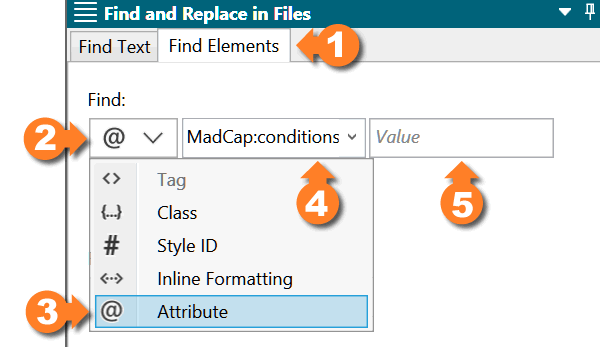
In the Find Elements 1 tab, expand the Find 2 dropdown, select Attribute 3 and enter or select MadCap:conditions 4 as the attribute name, leaving Value 5 as is
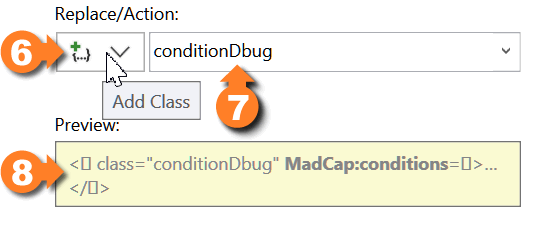
Under Replace/Action 6, select Add Class 7 from the dropdown list and enter or select conditionDbug
The Preview 8 box will display a sample of the resulting changes.
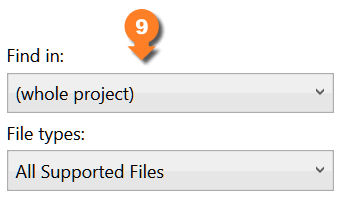
Make sure the Find in is set to (whole project) and File types to All Supported Files 9
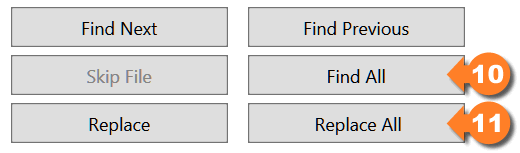
Preview the expected results clicking Find All 10 and, if all systems go, click Replace All 11 to apply the changes
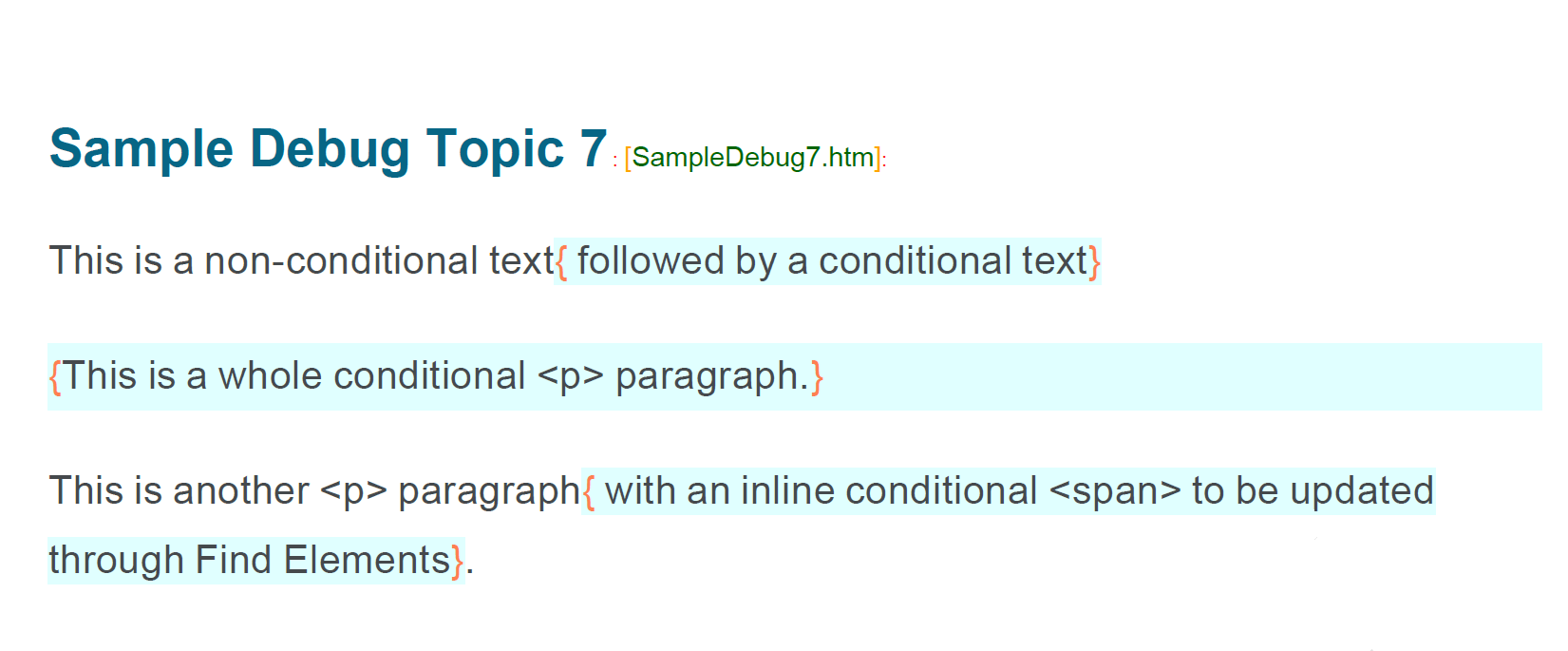
Once built, the resulting PDF output would look like this: